
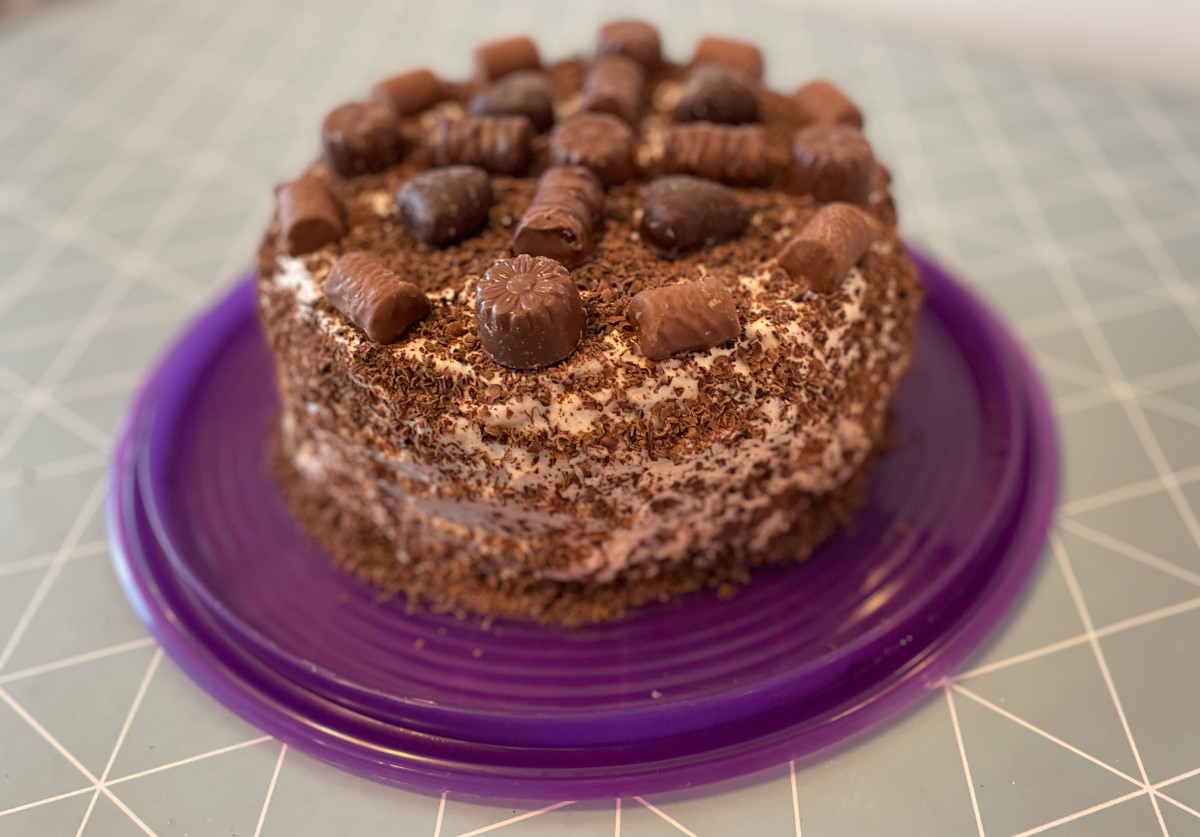
I love browsing cake recipes. All those yummy curds, zabagliones, and mousses and artfully arranged decorations over the top. Especially chocolate cakes seem to sometimes be so filled, stuffed and topped with all sorts of chocolate that they go overboard. In fact, cybersecurity can also go a bit overboard sometimes. I’ll share my experiences of getting too enthusiastic and over the top with security along with a very, very chocolatey cake recipe.
Too hard? When hardening gets out of hand
The purpose of security hardening is to eliminate all the weak spots of a system by minimizing the attack surface: disabling unused features and services, disallowing access to unused ports with a firewall, changing default accounts and other default configurations to more secure ones. Hardening is something you should do for every production system. Naturally, I try to harden internet-connected things at home as much I can.
A while ago, I switched to another internet service provider and the new provider sent me a new home router. It was preconfigured to work out of the box. All devices come with a unique WLAN SSID and password as well as an admin password printed on a small card at the back of the device so there’s no immediate need to reconfigure the router. However, I knew that there are loads of unneeded settings enabled by default so off I went to browse around the admin panel. I changed the admin password to a longer and stronger one, disabled UPnP and IPv6, configured guest WLANs, and all that. When I came to remote management settings, I just continued clicking away without thinking, disabled all options, and pressed Apply. Oops.
The device allowed me, unfortunately, to disable remote management from all interfaces, even the one I was using right now, so I shut myself out. Internet access was working fine but in case there would ever be trouble or I wanted to change the configuration, I wouldn’t be able to access the admin interface. Sighing, I long-pressed the small reset button at the bottom of the home router and started going through the settings again.
Untypable passwords
Back in the days when I was studying at the university, it was uncommon for people to bring laptops to lectures. Most people wrote their notes on paper and I preferred that too. One of the reasons was that there weren’t enough power outlets in the lecture halls and the battery lives were not so great. So mostly I kept my laptop at home but sometimes I brought it along to the campus and other not-so-secure locations. When I heard in an information security course I was taking that it is good practice to set a BIOS password, naturally, I did set one. It was a very good one, too, with special characters, small and large letters and it was of considerable length. However, it didn’t occur to me that while I was able to use a Finnish keyboard map while setting the password, the only available keyboard layout during boot was US English. No matter how hard I tried, I was not able to produce the same special characters. I had just locked myself away from my one and only laptop.
I was really worried. All my exercise reports and other important documents were on the laptop! Luckily, the company where I had bought the laptop from, was still open so I packed my laptop, took the bus, went to the shop and explained the situation. They had never heard of such an issue and were completely out of ideas on how to help me. Frustrated and even more worried, I went back home. Meanwhile, my friend to whom I had explained this annoying situation, had done some googling. He had found out that with my laptop model the BIOS password could be reset by removing a small battery attached to the motherboard. It sounded like a very poor design choice but it was also a design choice that could save me. So I took a screwdriver (luckily, the laptop had regular cross-heads crews), opened the bottom, and located the battery. I removed the battery, waited for five long minutes, put the battery back, and booted my laptop. No BIOS password prompt, just the familiar LILO boot loader screen. Phew!
Unfortunately, I didn’t learn the lesson fully then. Frankly, I think I thought that these kinds of issues would have been fixed in the years that had passed. But again, when setting a Bitlocker password for a brand new computer, the keyboard layout during the setup phase and the boot phase was different. It was a fresh install so I lost do data, just my time when I reinstalled the operating system. But now I’ll remember forever that passwords that need to be typed very early during boot should consist of characters that are easy to type regardless of the keyboard layout.
Going to pieces
Banks, insurance companies, and all kinds of companies tend to mail documents that contain personal information that I don’t want to throw into the trash to protect my privacy. That’s why I’ve bought a small and inexpensive shredder for home use. I think the shredder makes decently small pieces of paper but I guess its cheap price shows in the fact that I’ve been able to overheat it a few times by shredding too much paper at one go. I had to let it cool down for several hours to be able to shred again!
Chocolate cake that goes overboard
Locking myself out of accounts because refusing to trust any device, blocking JavaScript making my internet browsing a misery, keeping my passwords in a bit too secure place… oh boy, I think I’ve sometimes gone a bit overboard with security. To match these fun memories I baked a cake that also goes overboard with chocolate and caramel flavors.
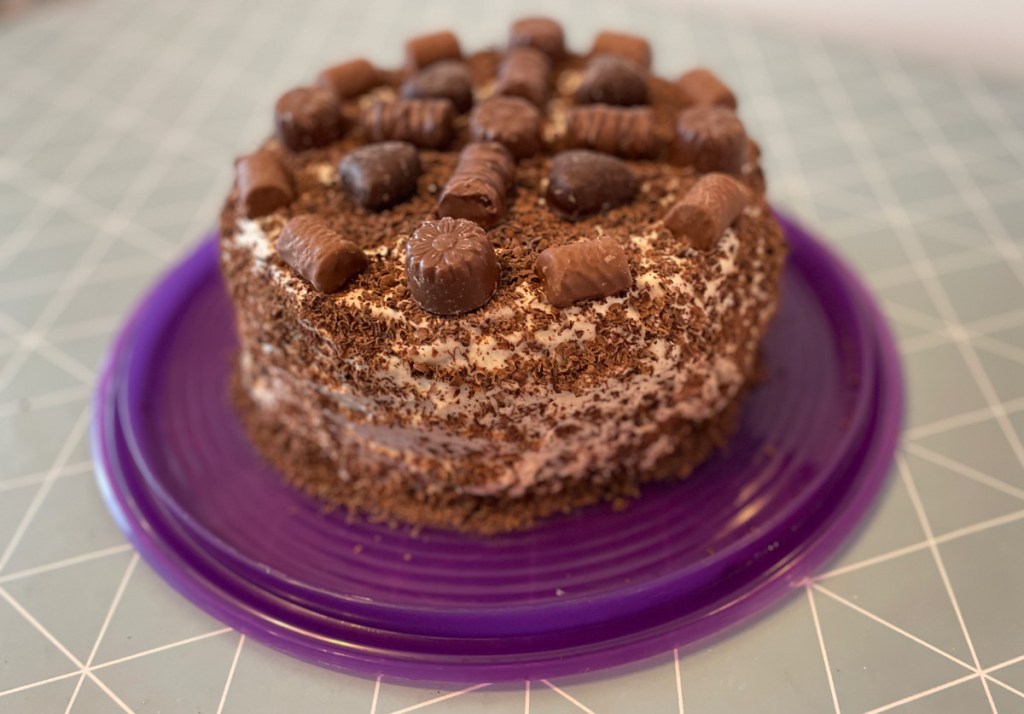
The recipe is from a book called Suklaaunelmat (translates to Chocolate dreams) published by Gummerus but I switched the wheat flour to gluten-free flour and changed the filling and decoration a bit.
Here are the ingredients:
- 200 g butter or pastry margarine
- 1,75 dl sugar
- 4 eggs
- 4 dl flour (I used all-purpose gluten-free flour mix)
- 2 tsp baking powder
- 1 tbsp cocoa powder
- 50 g melted dark chocolate
For the filling and topping:
- 5 dl whippable caramel cream (I used Valio kinuskikerma but I’m sure it can be replaced by mixing caramel sauce and whipped cream)
- 0,5-1 dl orange juice, apple juice, or milk
For decoration:
- Different kinds of confectionary
- 50 g dark chocolate
Line a springform pan with baking paper and preheat the oven to 180 degrees Celsius.
Mix butter and sugar into a foam. Add eggs one by one and mix well after each egg. Add the flour, baking powder, and cocoa powder in batches to the dough mix. Scoop the melted chocolate and mix at a slow pace.
Pour the dough evenly into the springform pan. Bake for 40 minutes or until the cake springs back a bit when you press it. Let the cake cool for a couple of minutes and then remove the edges of the pan. Cool the cake thoroughly and cut it into three layers.
Whip the caramel cream until stiff peaks form into the foam. Moisten each layer with a few spoonfuls of juice or milk (a bit of rum might fit nicely, too) and cover the layer with the whipped cream. Use about half of the cream for the layers and leave the rest for the top and the edges.
Grate the chocolate and spread it over the top and edges of the cake. Cover the top with the confectionary or make a pattern. Enjoy! Has your security gone overboard, too?
 Bake Security In